Verify your website
Add a project and verify ownership with DNS TXT or a supported HTTPS file.
How domain verification works
Browse example screens for projects, findings, keywords and agency workflows. All screenshots use synthetic sample data, not live customer results.
See how tools, technical findings, reporting and agency management fit together. These are examples of the application interface and do not promise connected data or production availability.
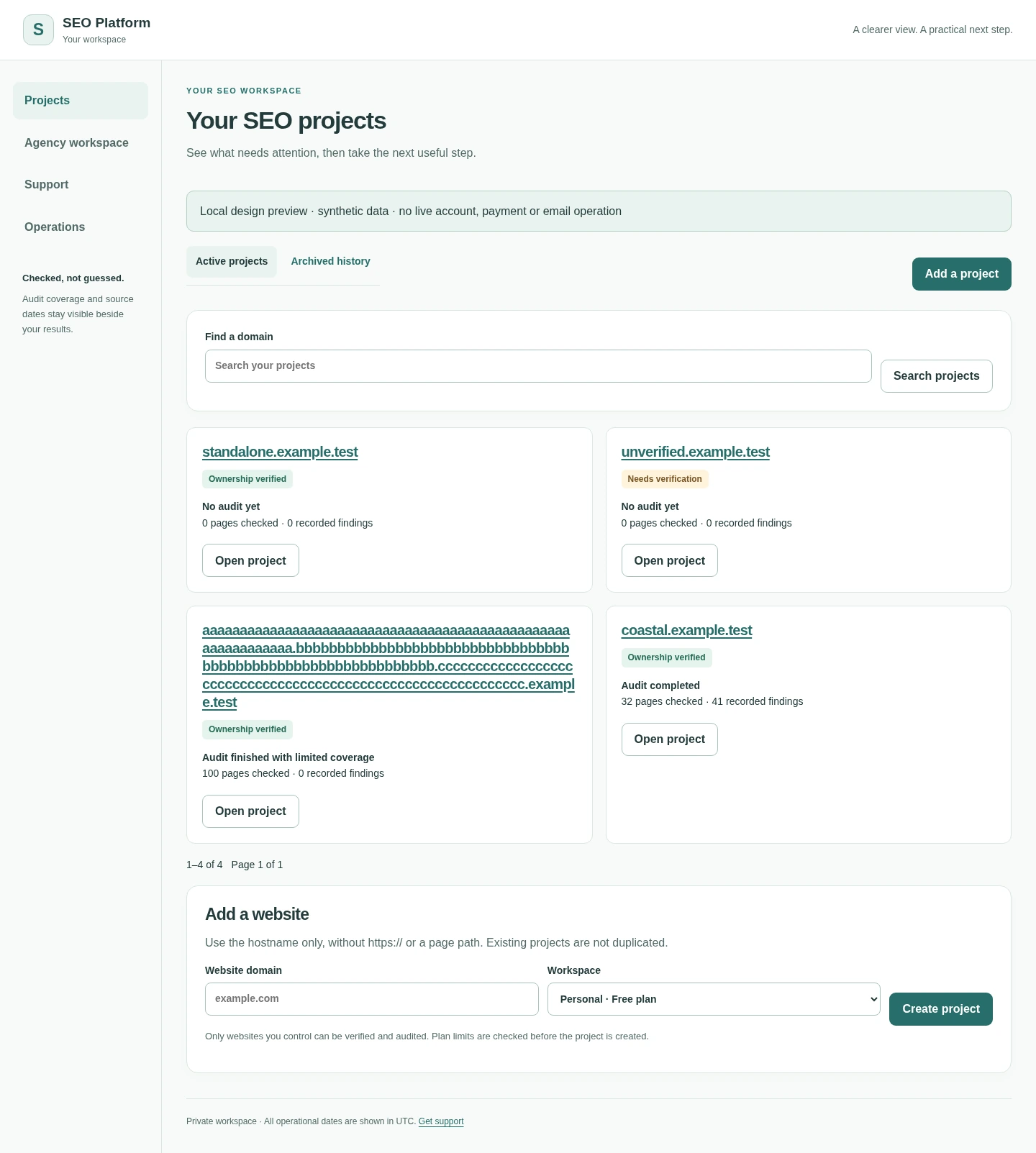 View full screenshot ↗
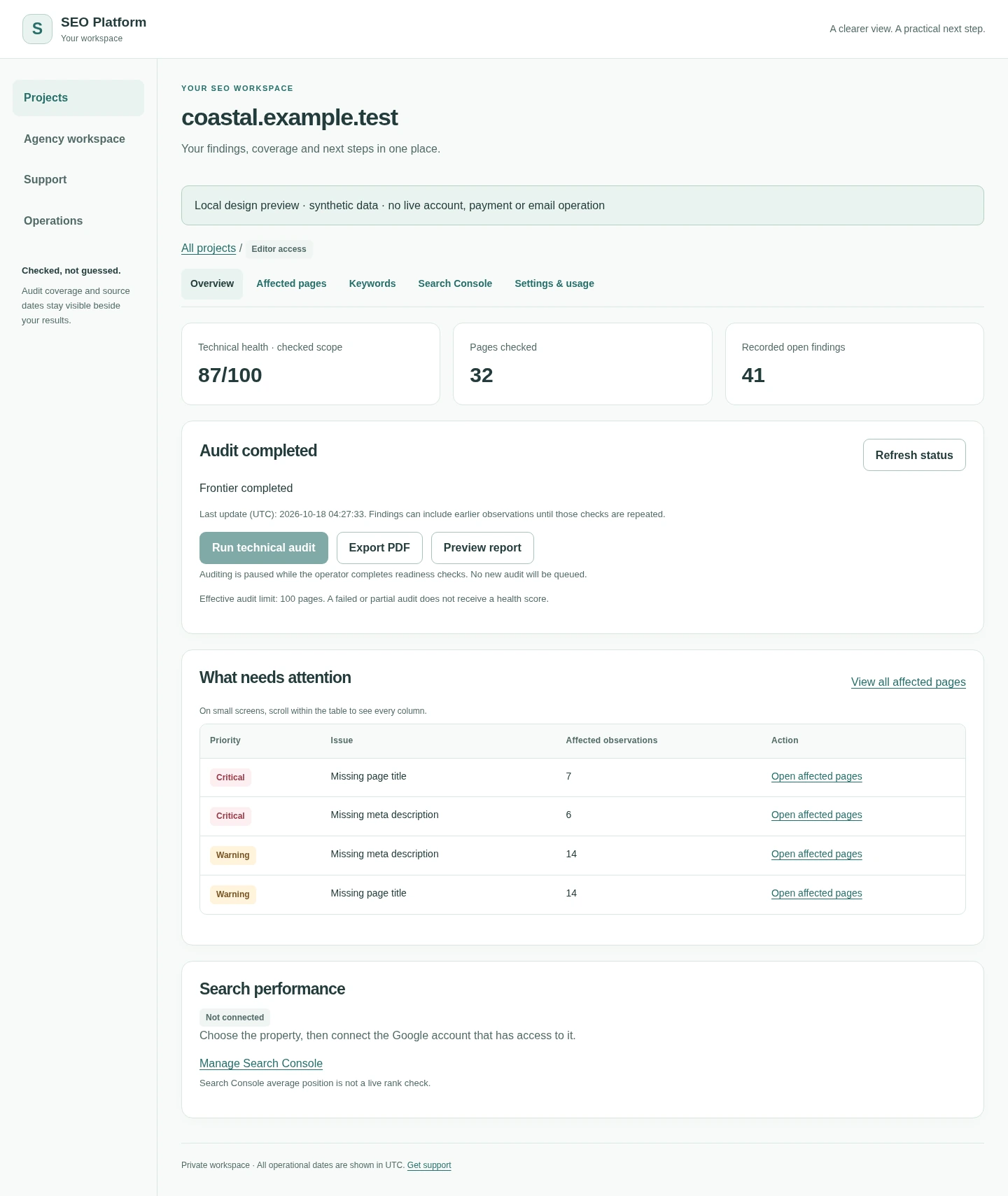 View full screenshot ↗
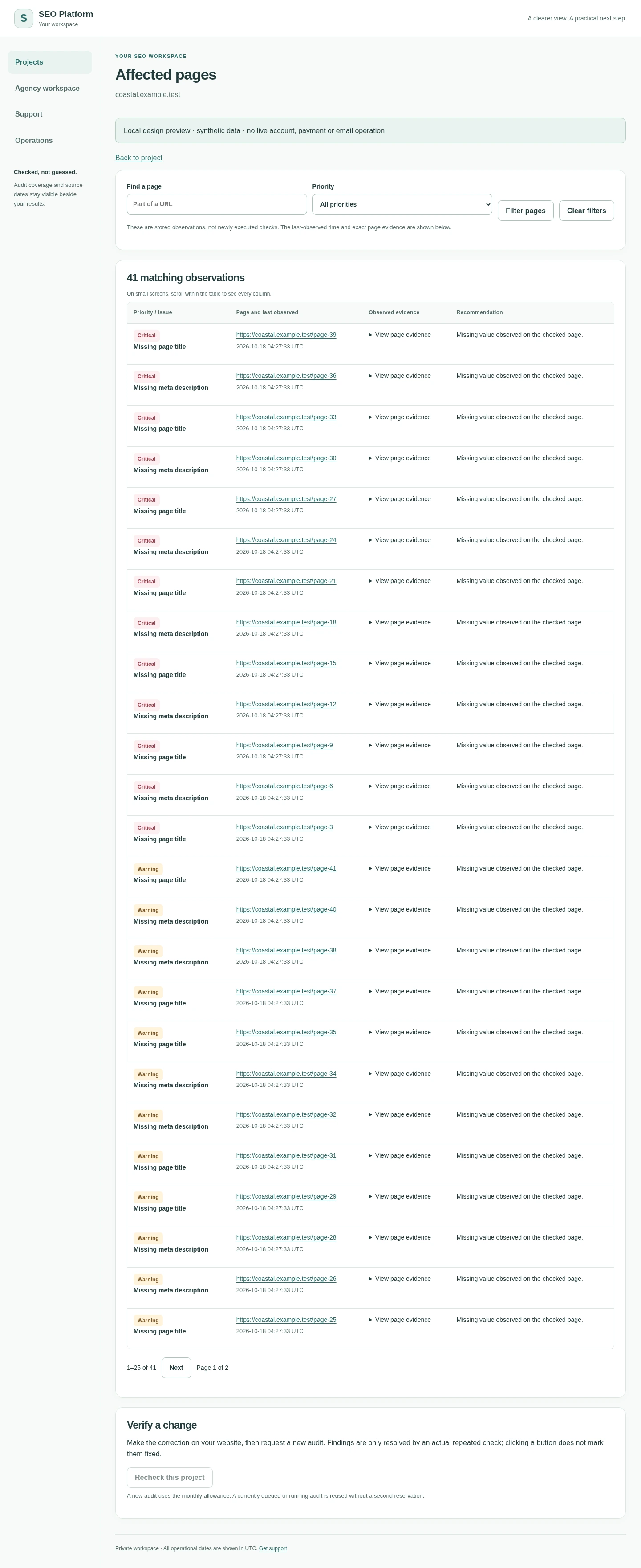 View full screenshot ↗
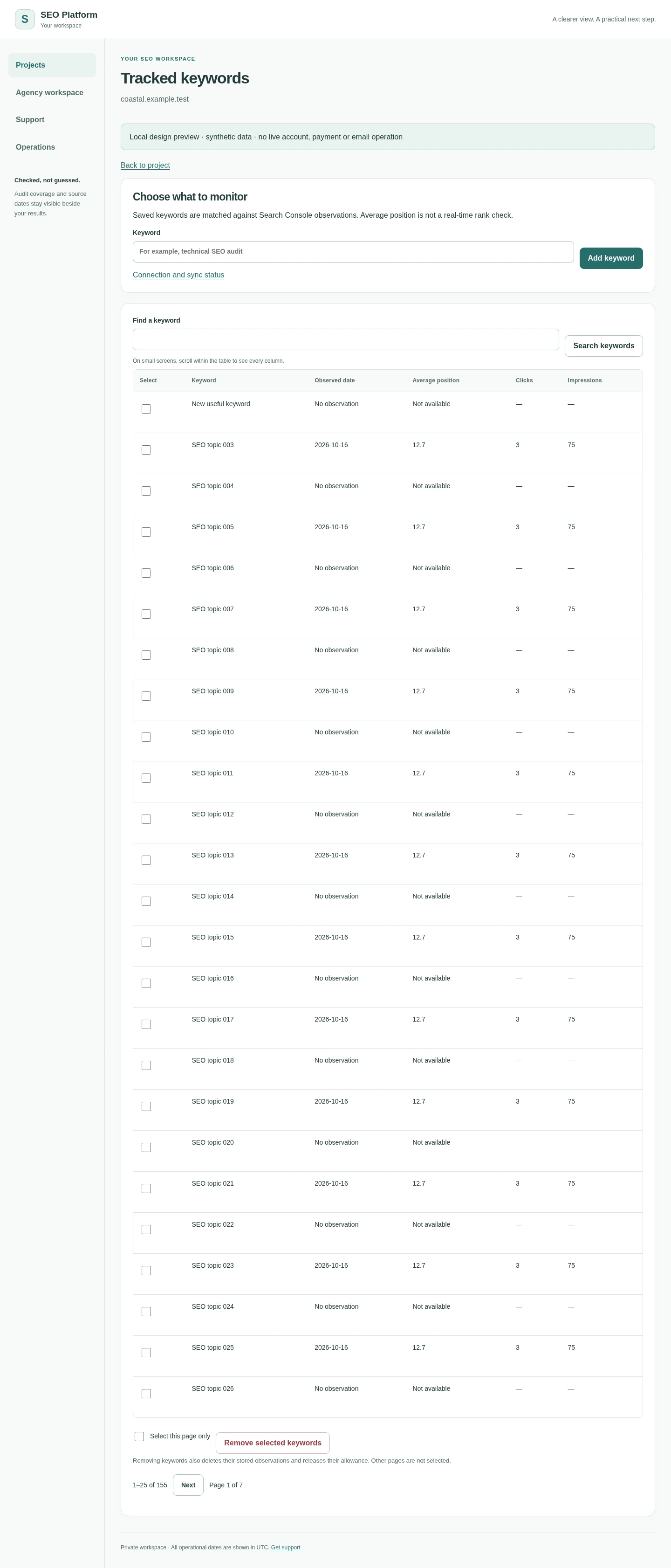 View full screenshot ↗
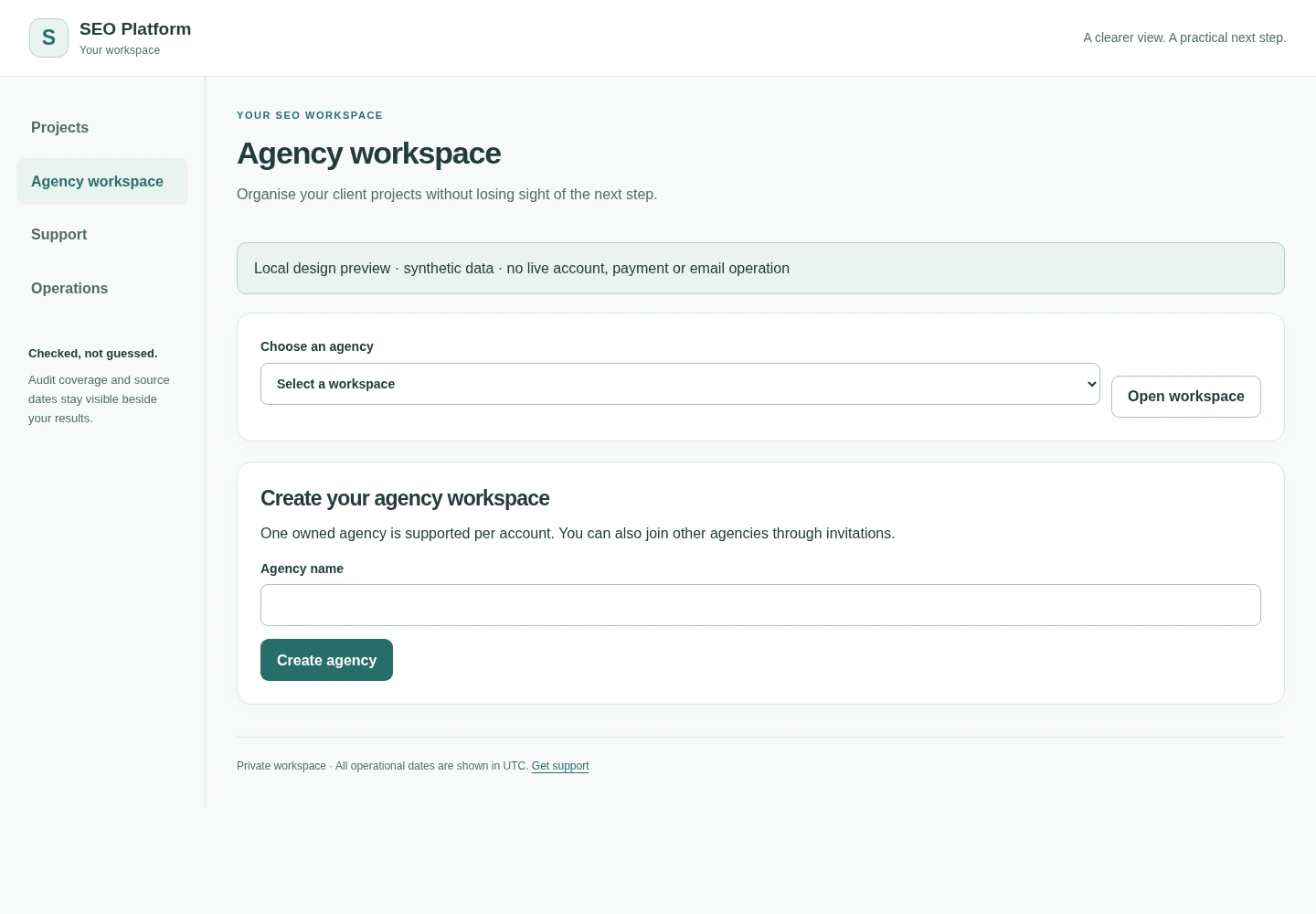 View full screenshot ↗
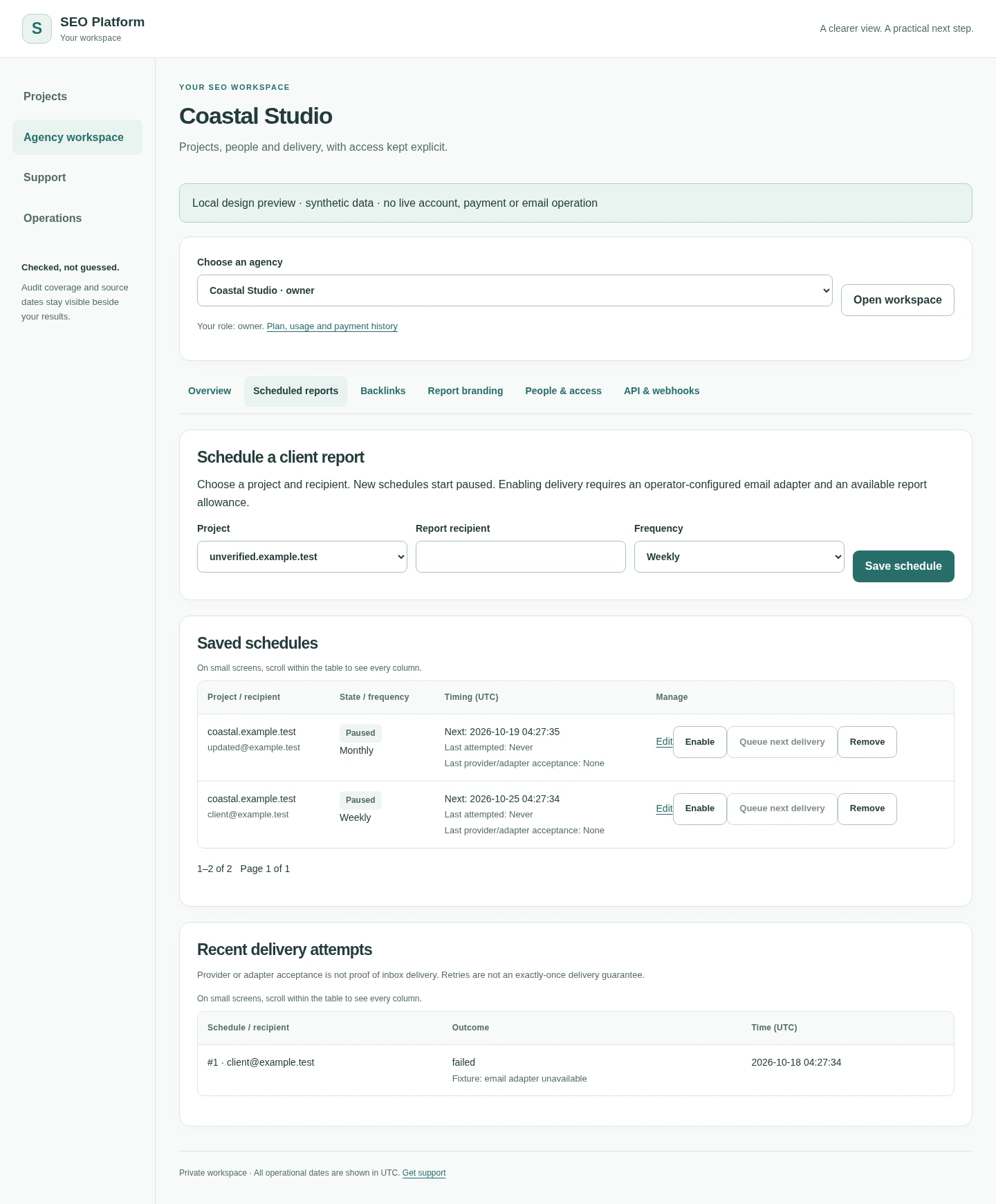 View full screenshot ↗
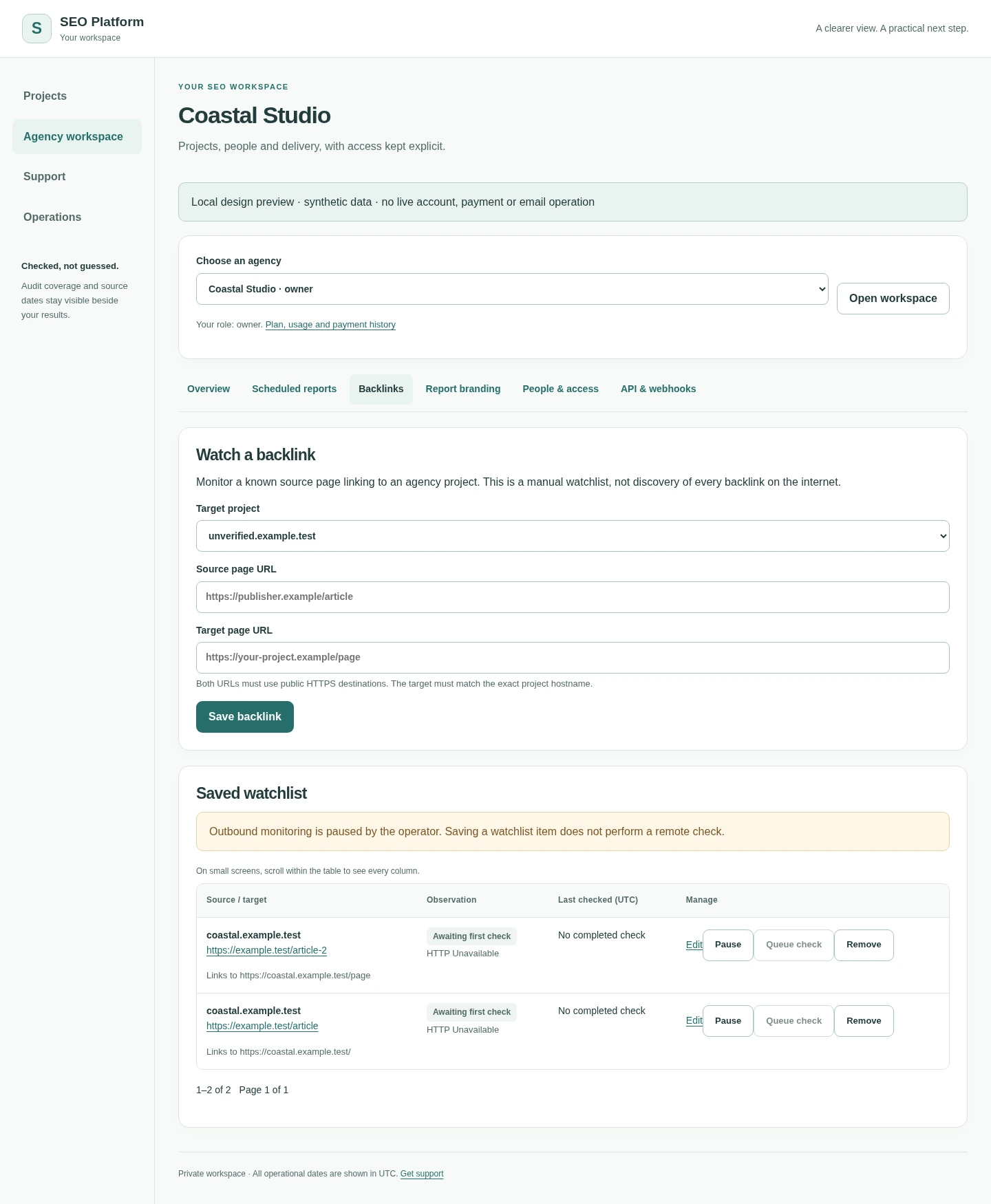 View full screenshot ↗
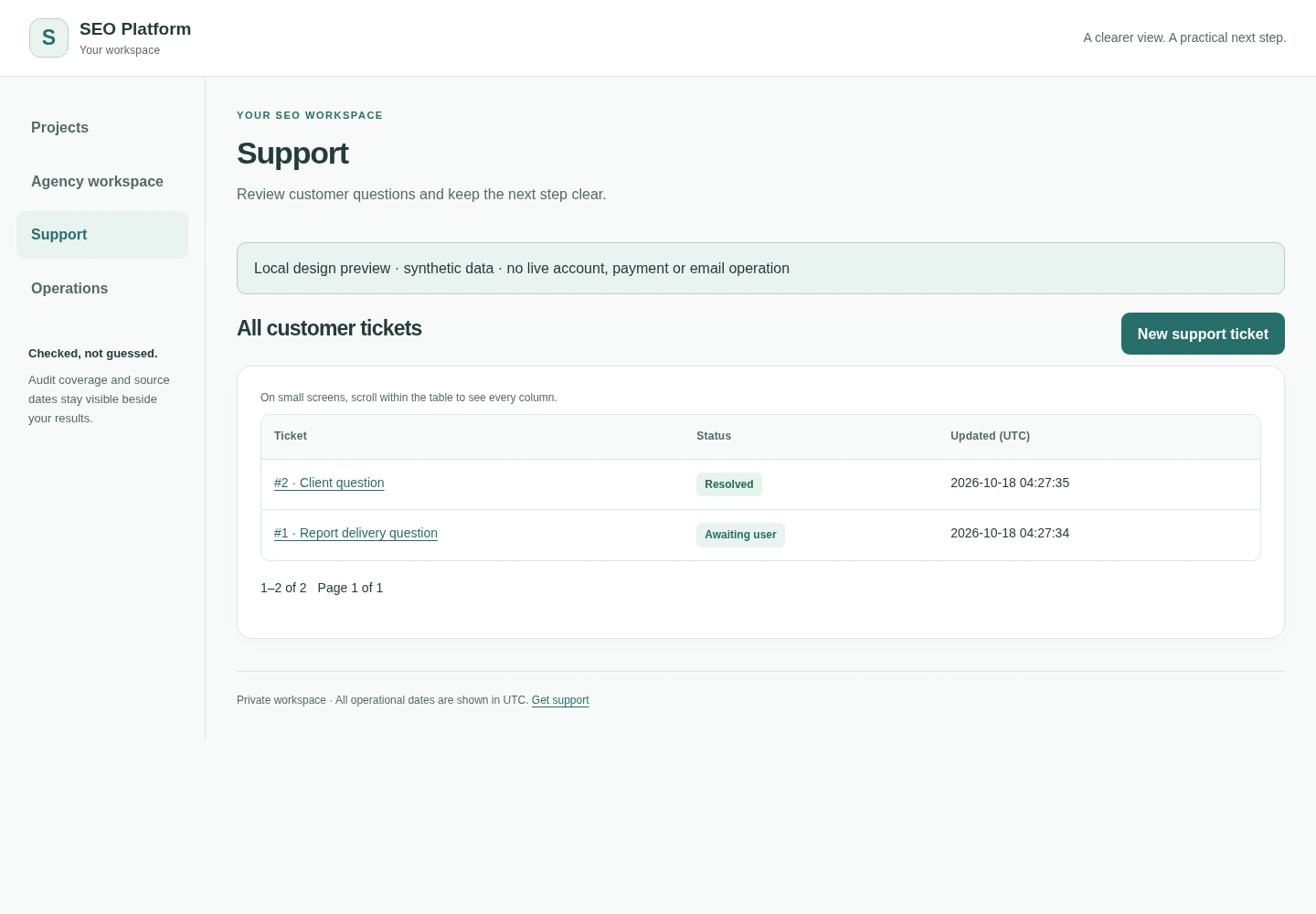 View full screenshot ↗
Responsive examples at a narrow phone viewport. Scroll inside a preview to explore the whole page, or open the original image at full resolution.
 View full screenshot ↗
 View full screenshot ↗
 View full screenshot ↗
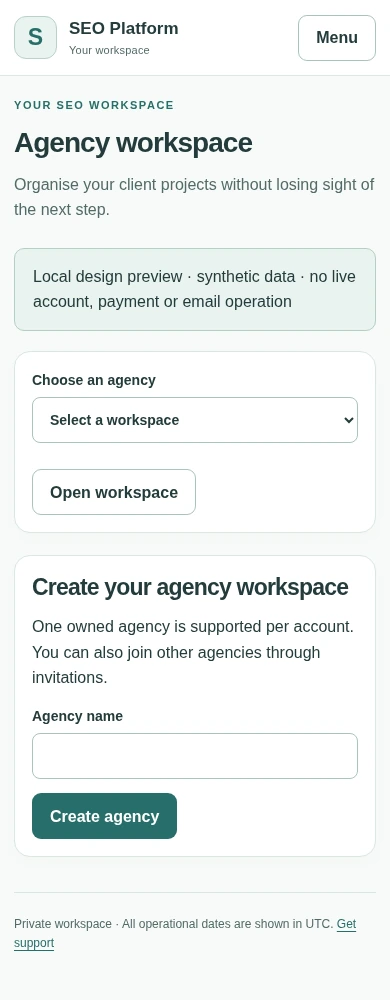 View full screenshot ↗
About these previews: Images were captured from local staging templates using test data. They are not recordings of a working production account. Feature availability depends on configuration, permissions and verified services. For live access, use the account and workspace when enabled.
Add a project and verify ownership with DNS TXT or a supported HTTPS file.
How domain verification worksReview crawl findings, affected pages and historical observations without inventing missing measurements.
Prioritise relevant work, keep drafts separate from verified fixes, and prepare reports for your team or clients.
Start with a useful tool. Move into a workspace when you’re ready to track the bigger picture.